Wisdom from Move Well: How to Set Up Your Workspace for Your Body
Does desk posture really matter? How should you sit, stand, and set up your workspace to reduce strain and support better movement throughout the day?
Most of us spend hours every day looking at screens. Even if you don’t work at a desk, chances are you’re texting, emailing, scrolling, streaming, or moving between devices.
The challenge here is not technology itself. It’s staying in one position for too long.
Your body is built for movement and variation. When your workspace encourages long periods of slouched sitting, forward head posture, or repetitive positioning, it can increase physical stress and contribute to stiffness, muscle fatigue, and general discomfort over time.
How does posture affect your body when you sit all day?
Posture is not about sitting perfectly straight all day. It’s about how your body distributes load while working, resting, and moving.
Your spine has natural curves that help absorb force and spread mechanical stress. When you stay in a rounded, collapsed position for long periods, muscles and joints begin sharing load differently. And research has shown again and again that staying in the same position for too long will, you guessed it, lead to some serious discomfort..
Common complaints people notice include:
Neck and shoulder tension that builds throughout the day
Mid-back stiffness
Low back tightness after sitting
Feeling stiff getting up after work
More frequent tension-related headaches
There is also growing research showing that posture and breathing patterns can influence comfort, stress perception, and overall physical awareness, although posture alone is not a cure-all.
Think of posture less like standing at attention and more like wheel alignment on a car. Small adjustments help everything move more smoothly.
👉Here are some additional interesting posture facts that we put together for you.

Is standing better than sitting for back and neck pain?
You’ve probably heard the phrase that sitting is the new smoking. It gets attention, but the real takeaway is simpler.
When you sit, your spine experiences more compression than when you stand. Standing naturally offloads some pressure. Sitting (especially slouched sitting) increases it.
Research on workplace ergonomics consistently supports alternating positions and introducing frequent movement breaks throughout the day.
A helpful approach:
Stand more than you sit (even 2:1 or 3:1, if your day allows).
Break up long sitting periods with short movement breaks.
Reset your posture and breathing every hour.
If you have a sit-to-stand desk, great.
If you don’t, think in terms of “movement snacks”. Thirty seconds here and two minutes there adds up more than one intense workout after eight hours of stillness.
What is the best posture reset to do during the workday?
If you only change one habit, make it this one.
At least once an hour:
Sit or stand taller without forcing it. (Imagine a string gently lifting the top of your head.)
Open your chest slightly and soften your shoulders.
Bring your head back over your shoulders.
Rotate your arms outward gently. (Open your palms and face them upward, if you can.)
Take five to ten slow breaths. (You can even close your eyes, if it feels safe and comfortable.)
This reset is not about achieving perfect posture. It’s about giving your spine and nervous system a reset.
Think of it like refreshing your browser when too many tabs are open (except it’s your posture, your breathing, and your brain!)
How should you sit at a desk to reduce back and neck strain?
Many people sit by hovering on the edge of the chair, slowly leaning into a slump, with their head reaching toward the screen. That’s an easy way to end up in a “flexor-dominant” posture (where everything in the front gets tight and overactive and everything in the back gets sleepy and weak).
Instead, train this simple habit:
Sit all the way back in the chair so your hips meet the backrest.
Maintain a small natural curve through your low back.
Keep your chest relaxed and open.
Stack your head over your shoulders (instead of reaching forward).
If your chair feels unsupportive:
Add a small lumbar support or rolled towel.
Try a firmer seat surface. (Ultra-soft seating often feels more comfortable at first but can encourage more collapsing over time.)
Use a wedge cushion if it helps maintain a more upright position.
What does good seated and standing posture actually look like?
You do not need to memorize anatomy. Instead, use this quick check.
When seated:
Ear over shoulder
Ribcage over hips
Shoulders relaxed
When standing:
Ear over shoulder
Shoulder over hip
Hip over ankle
You’re looking for balance, not military posture. (If your posture resembles leaning downhill while skiing, it may be time to reset.)
How should you position your computer screen, keyboard, and mouse?
This is usually the fastest workspace win!
How high should your computer screen be?
When your screen sits too low, your head tends to follow.
Try:
A monitor stand
A laptop riser
A stack of sturdy books
An external keyboard and mouse
Where should your monitor be placed?
If your primary monitor sits off to the side, your body often adapts. Over time, that can show up as:
Neck stiffness on one side
Uneven shoulder tension
A head that naturally turns one direction
Keep your main screen directly in front of you whenever possible.
How close should your keyboard and mouse be?
Position your tools so:
Elbows stay near ninety degrees
Shoulders stay relaxed
Wrists remain mostly neutral
Your workspace should fit your body, not the other way around.
Is standing all day bad for your back and legs?
Standing can be great , but standing stiff and frozen all day isn’t the goal either.
A helpful trick: place one foot on a small block, step, or stable object and switch feet periodically. That small shift changes load through the calves, knees, hips, and low back and gives your body more movement options.
Why do desk workers get tight hips and rounded shoulders?
Long periods of sitting commonly create a predictable pattern.
Areas that often become tighter:
Hip flexors
Chest muscles
Areas that often become less active:
Glutes
Mid-back muscles
Tight hip flexors can tip your pelvis and change how your low back carries load. Tight chest muscles pull your shoulders forward. Weak glutes and mid-back make it harder to resist gravity. You can think of this like a tug-of-war where one team forgot to show up.
What stretches help relieve tight hips and chest from sitting?
When you sit for long periods, the front side of your body tends to stay in a shortened position. A few simple stretches can help introduce more variety into your day and make changing positions feel easier.
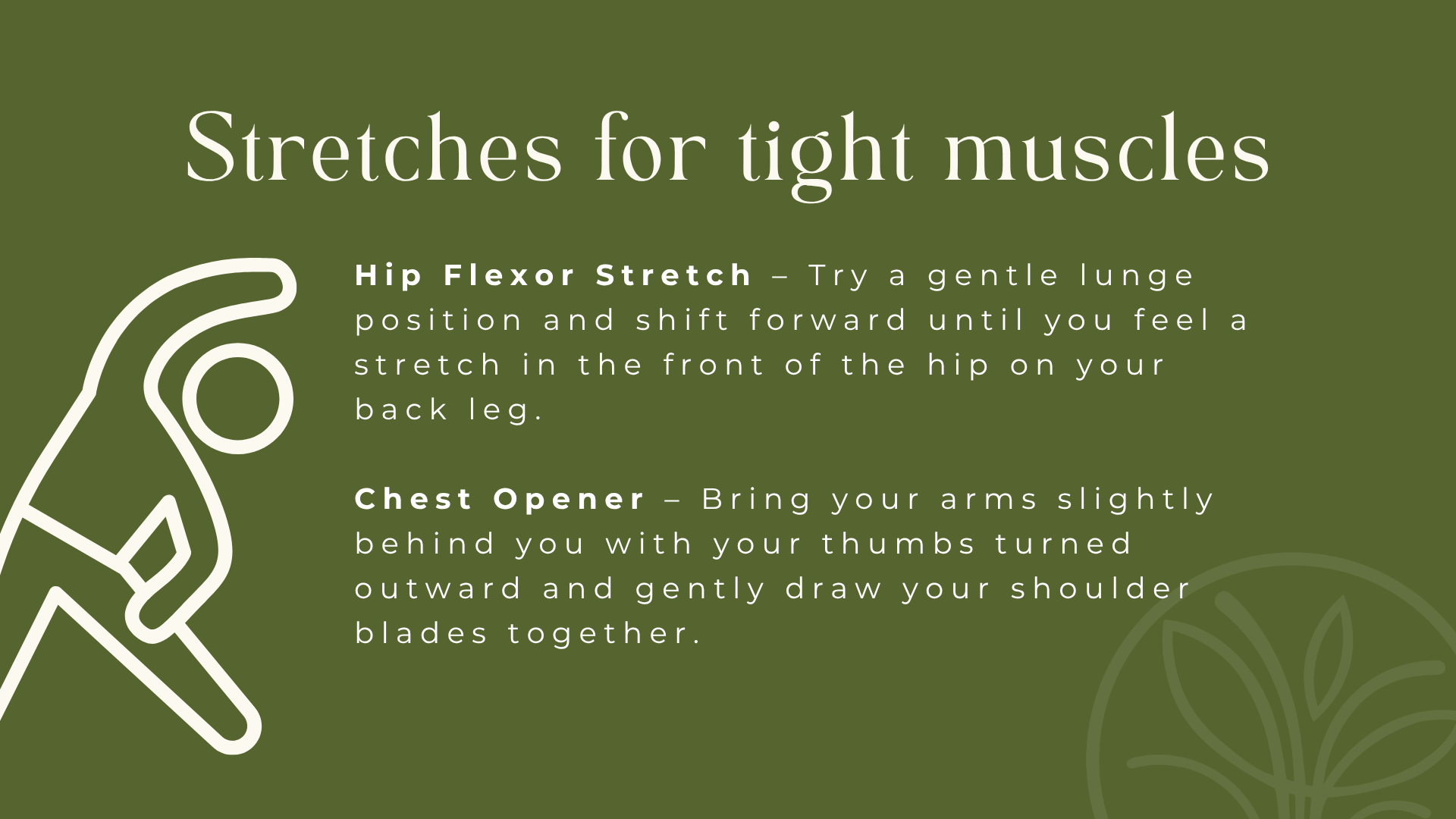
1) Hip Flexor Stretch
Try a gentle lunge position and shift forward until you feel a stretch in the front of the hip on your back leg.
Focus less on pushing deeper and more on breathing and relaxing into the position. Hold briefly, then switch sides. This can be especially helpful after long periods of sitting.
2) Chest Opener
Bring your arms slightly behind you with your thumbs turned outward and gently draw your shoulder blades together.
You can do this sitting or standing. Think of it as creating space through the front of your body after hours of reaching toward screens.
What exercises help strengthen posture muscles?
Stretching feels good in the moment, but strengthening can help support better movement patterns over time.
If sitting tends to pull you forward all day, these are great places to start.
1) Glute Work
Try bridges, kickbacks, squats, or other simple movements that help engage the back side of your body.
Your glutes help support your hips and pelvis during everyday movement, so waking them up can make a bigger difference than most people expect.
2) Mid-Back Activation
Rows with a resistance band or a slight hinge-forward position with small arm pulls can help activate the muscles between your shoulder blades.
Think endurance, not intensity. The goal is helping your upper back stay involved instead of letting your shoulders do all the work.
3) Posture Disc
Our Home Rehab Kit features your very own handy dandy posture disc. Using a posture disc is a great way to improve your spine’s strength, posture, flexibility, and ultimately, to hydrate those discs. Hydrated discs are healthier discs.
If you want to explore further, search for posterior chain exercises. (That’s simply a term for strengthening the muscles along the back side of your body.)
How can you improve posture habits if you work at a desk?
Here’s the truth: work is distracting. Kids are distracting. Life is distracting. You’ll catch yourself in a weird posture sometimes.
What tends to help most is creating reminders that interrupt the pattern before it becomes hours long.
Try:
Set an hourly posture reminder.
Put a sticky note on your monitor that says “Stack + breathe.”
Alternate sitting and standing.
Ask someone at home to call out your posture drift.
If your body has been feeling persistently stiff, tense, or uncomfortable, your workspace may be one piece of a bigger picture.
Small adjustments repeated consistently often do more than occasional perfect days.
If you’re already working on movement, recovery, or chiropractic care, your workspace setup can help reinforce those habits between visits.